GPU servers
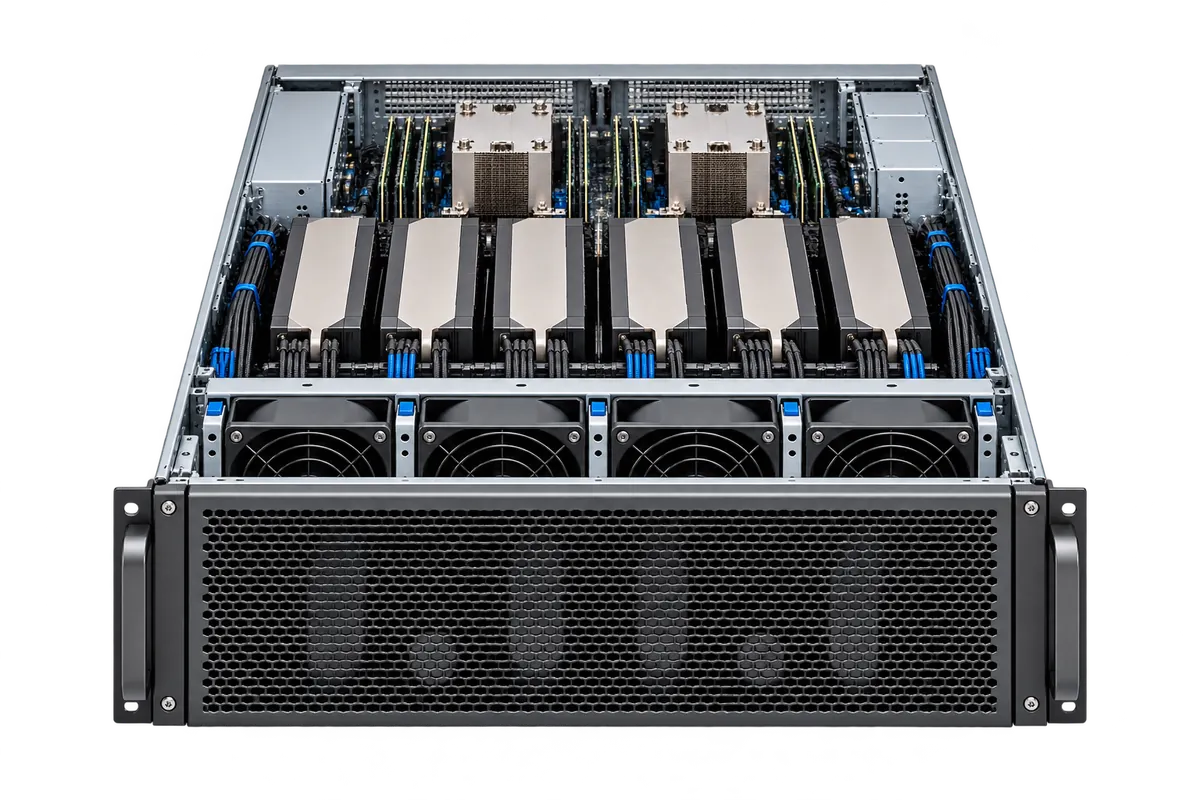
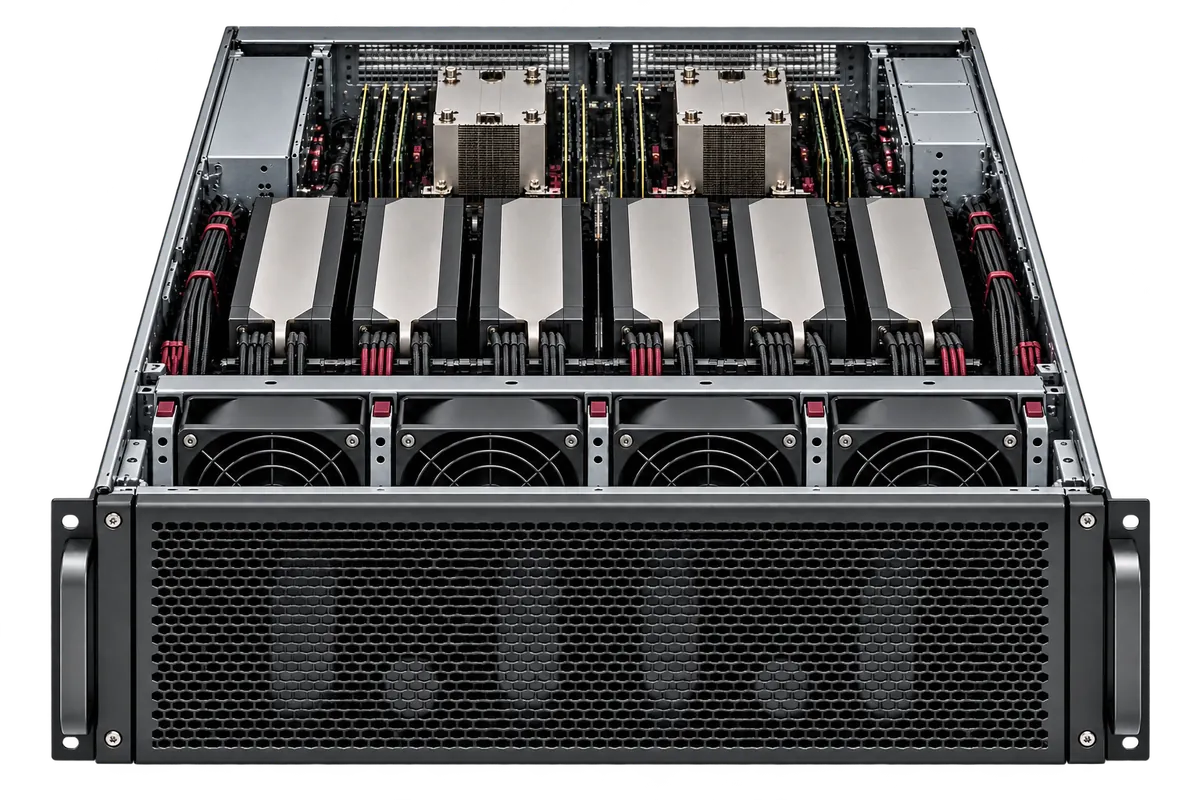
Run AI models, train neural networks and render graphics. Choose a GPU for your workload.
CLOUD INFRASTRUCTURE RENTAL
Rent GPUs for AI, cloud and dedicated servers for applications, storage and backups for your data. Compare infrastructure from international suppliers and manage projects through one GlobalAtlas account.
THE GLOBALATLAS CATALOG
Infrastructure for AI, applications and data. Choose a service — we will help confirm the configuration, location and price.
Run AI models, train neural networks and render graphics. Choose a GPU for your workload.
VPS / VDS · Bare Metal
Host a website, application or database. Start with a virtual server or choose a physical machine.
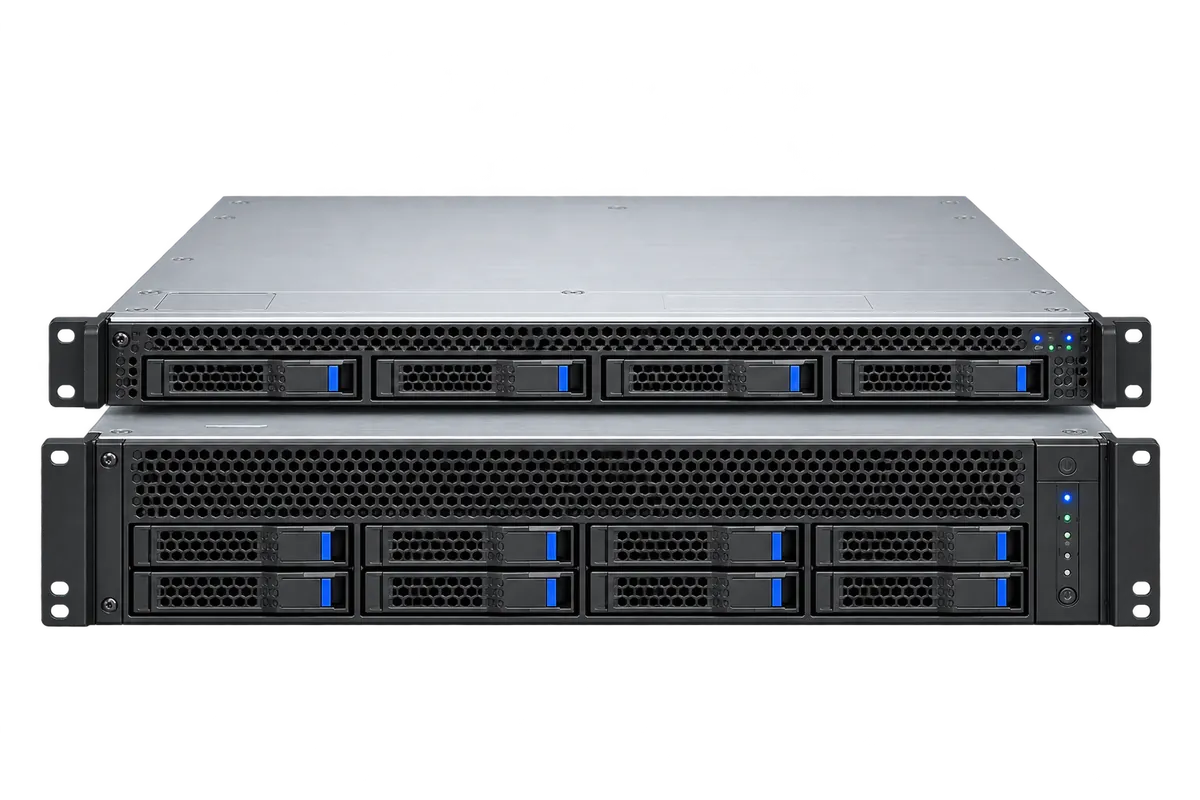
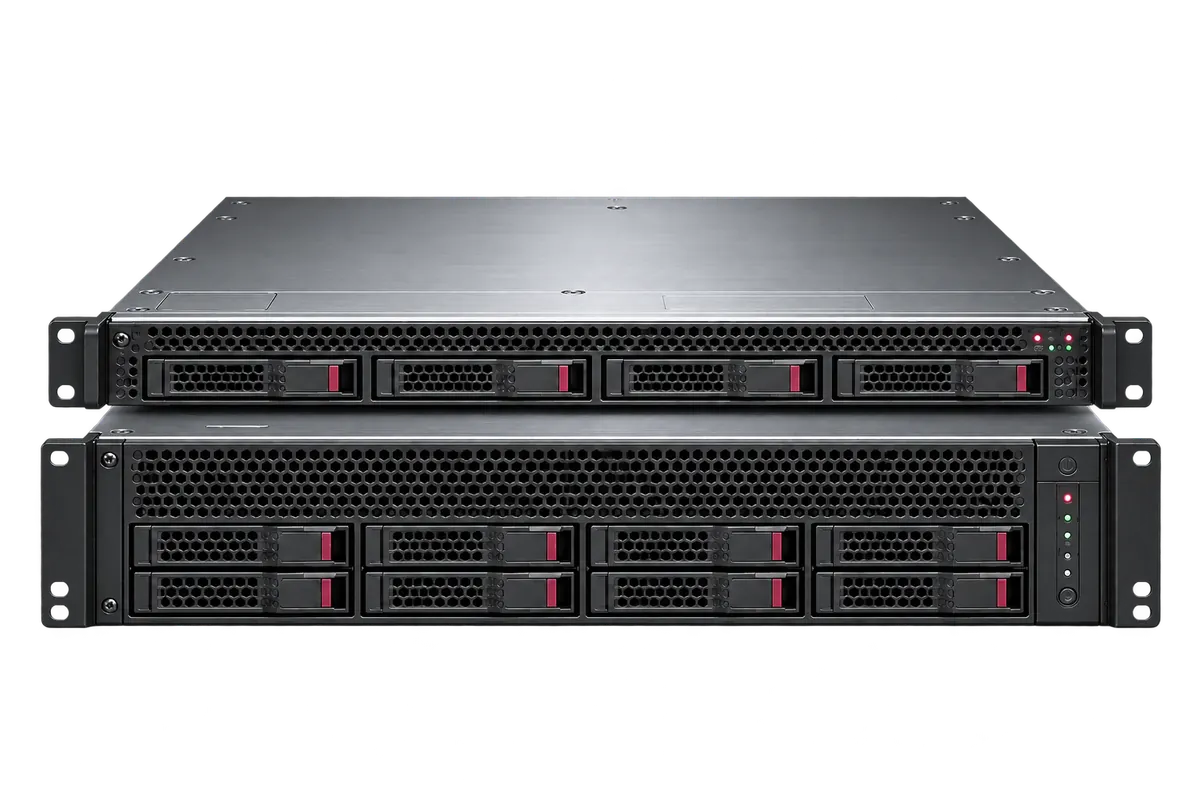
Store files and datasets, add server disks and keep separate recovery copies.
Start with a model and a prepared configuration: hardware requirements and serving settings in one place.
Network services for your project: external access, private connections and traffic rules.
An AI assistant for writing, working with code and analysing files. Ask a question and continue the conversation in chat.
Open the assistantConnect AI models to your application through an API, with token-based billing. Explore the planned service and integration format.
About Model APIGLOBAL INFRASTRUCTURE
Explore GPU, servers, storage and backups by location. Choose from the catalog or ask our specialists to source infrastructure in your preferred country.

Outlined locations are custom sourcing directions, not confirmed inventory. Hardware availability, final price and setup time are checked before ordering.
Netherlands
In the catalog
Products in this location’s catalog
Germany
In the catalog
Products in this location’s catalog
Finland
In the catalog
Products in this location’s catalog
United Kingdom
Custom sourcing
Tell us your workload and preferred location. Our specialists will check suitable facilities, configurations and placement conditions, then prepare a proposal.
France
Custom sourcing
Tell us your workload and preferred location. Our specialists will check suitable facilities, configurations and placement conditions, then prepare a proposal.
Poland
Custom sourcing
Tell us your workload and preferred location. Our specialists will check suitable facilities, configurations and placement conditions, then prepare a proposal.
Sweden
Custom sourcing
Tell us your workload and preferred location. Our specialists will check suitable facilities, configurations and placement conditions, then prepare a proposal.
United States
In the catalog
Products in this location’s catalog
United States
In the catalog
Products in this location’s catalog
Singapore
In the catalog
Products in this location’s catalog
Japan
Custom sourcing
Tell us your workload and preferred location. Our specialists will check suitable facilities, configurations and placement conditions, then prepare a proposal.
Hong Kong
Custom sourcing
Tell us your workload and preferred location. Our specialists will check suitable facilities, configurations and placement conditions, then prepare a proposal.
South Korea
Custom sourcing
Tell us your workload and preferred location. Our specialists will check suitable facilities, configurations and placement conditions, then prepare a proposal.
India
Custom sourcing
Tell us your workload and preferred location. Our specialists will check suitable facilities, configurations and placement conditions, then prepare a proposal.
Brazil
Custom sourcing
Tell us your workload and preferred location. Our specialists will check suitable facilities, configurations and placement conditions, then prepare a proposal.
Mexico
Custom sourcing
Tell us your workload and preferred location. Our specialists will check suitable facilities, configurations and placement conditions, then prepare a proposal.
United Arab Emirates
Custom sourcing
Tell us your workload and preferred location. Our specialists will check suitable facilities, configurations and placement conditions, then prepare a proposal.
Saudi Arabia
Custom sourcing
Tell us your workload and preferred location. Our specialists will check suitable facilities, configurations and placement conditions, then prepare a proposal.
Russia
Custom sourcing
Tell us your workload and preferred location. Our specialists will check suitable facilities, configurations and placement conditions, then prepare a proposal.
Russia
Custom sourcing
Tell us your workload and preferred location. Our specialists will check suitable facilities, configurations and placement conditions, then prepare a proposal.

ATLAS AI NAVIGATOR
Tell Atlas what you want to launch. He will analyse the requirements, compare catalog configurations and explain the trade-offs. Complex workloads can continue with a GlobalAtlas specialist.
Describe your projectFOR CAPACITY PROVIDERS
Independent data centers, server owners and GPU teams can discuss joining the platform. We have developed our own API layer for integrating resource catalogs, statuses and supported operations. Our technical team reviews the connection and operating conditions with you.
Discuss an integrationEXPERT SUPPORT
Discuss your workload in a language that is comfortable for you. Our specialists help with infrastructure selection, configuration questions and resource management — from the first requirements to day-to-day operation.
Contact supportAtlas analyses your workload and hardware requirements, compares catalog configurations and explains the options. You can answer follow-up questions or send your requirements to a specialist for a custom configuration.
Create an account and confirm your email. You can then open Console to manage projects, configurations and resources.
Your selection is carried through registration into Console, where you can choose a project and review deployment.

SPECIALIST ASSISTANCE
A custom server, a demanding model or a combination of services. Send us the workload, region and budget: GlobalAtlas specialists will review compatibility and help prepare a configuration.
Create a GlobalAtlas account